Telegram SMM Panel: Complete Guide to Services, Tiers, and Ordering
A Telegram SMM panel is a web-based marketplace where users purchase Telegram engagement services — channel subscribers, group members, post views, and reactions — at wholesale rates starting from $0.01 per 1,000 units. With Telegram surpassing 1 billion monthly active users in 2025 and adding roughly 2.5 million new users per day, the demand for Telegram growth services has grown in step with the platform itself. Most panels carry between 50 and 200 Telegram-specific services across economy, standard, and premium quality tiers, each with different retention rates and refill terms. Panels also provide API access for resellers who white-label services to their own clients, with typical reseller margins of 30-60% depending on tier and volume.
A Telegram SMM panel gives you access to Telegram growth services at wholesale prices — members, subscribers, post views, reactions — without having to source each service individually. Before your first order, run through what to check on a Telegram SMM panel. If you're managing multiple Telegram channels, running campaigns for clients, or building your own channel with a limited budget, understanding how a Telegram SMM panel works and which services to use is the starting point.
This guide covers everything: which Telegram services are available through SMM panels, how service tiers are structured, how to order correctly, and how to use the API if you're reselling.
Contents
Telegram services available on SMM panels
A complete Telegram SMM panel covers the following service categories:
| Service | What it delivers | Target |
|---|---|---|
| Channel members | Accounts that join your channel | Public channel or invite link |
| Group members | Accounts that join your group | Public group or invite link |
| Post views | View count on specific posts | Post link from a public channel |
| Reactions | Emoji reactions on posts | Post link; emoji type specified at order |
| Poll votes | Votes on a specific poll option | Poll link; option number specified |
| Comments | Comment text added to posts | Post with comments enabled; less common |
| Auto-views | Automatic view delivery on new posts | Channel; triggers on each new post |
Not all panels carry all services, though with Telegram Premium's 15+ million subscribers demonstrating the platform's growing commercial ecosystem, the demand for Telegram-specific services continues to expand. Members and post views are universally available. Reactions, auto-views, and poll votes are available on more specialised listings. When evaluating a panel, check which services are in the catalog before committing — a panel optimised for members may have limited listings for views or reactions.
How service tiers work on a Telegram panel
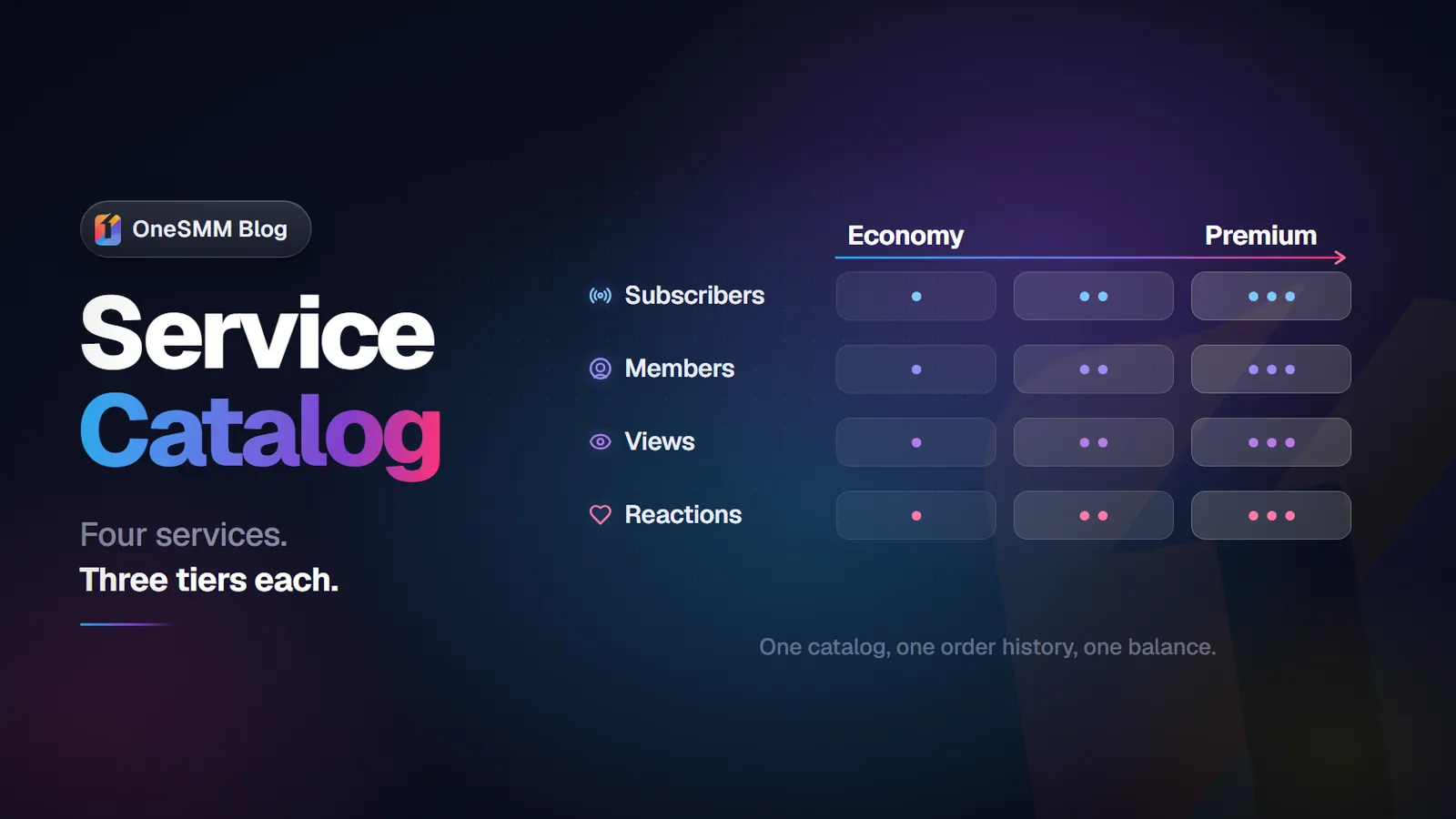
Every service on a Telegram panel exists in multiple tiers. The tier system serves a real purpose: different use cases need different account quality, delivery speed, and retention characteristics.
For Telegram channel members, the standard tier structure:
- Economy — bulk accounts, fast delivery, minimal profile data. Drop may occur without refill. Best for new channels, cost-sensitive campaigns.
- Standard — moderate quality, reasonable retention. Drop risk lower than economy. Best for general channel growth.
- Non-drop / Drop-protected — higher quality accounts plus a 30-day refill warranty. Members that leave during the warranty period are replaced automatically.
- Gradual / Drip — delivery spread over days. Best for channels with active subscribers who would notice a sudden count spike.
- Premium HQ — aged, detailed accounts. Best for sensitive use cases where account quality may be inspected.
For post views, the tier structure is simpler because views are stable once counted:
- Fast / Instant — delivery in minutes to hours. Appropriate for most use cases.
- Gradual — delivery over hours or days. Best for posts on established channels with an analytics baseline.
- Real-looking — views that come with watch-time signals (less common; more expensive).
Tip: When ordering for the first time on any tier, start with the minimum order. Telegram post views are stable once counted — they don't disappear. Members may drop. Testing both types of service with minimum orders tells you exactly what each tier delivers before you scale to larger volumes. For the full testing method, see our guide on testing SMM services before large orders.
How to order Telegram services correctly
Most ordering errors on Telegram panels are avoidable. The common mistakes:
- Submitting a private channel link that expires — Use a permanent invite link, not a one-time link or a link with a usage limit. Check the link works before submitting the order.
- Ordering views on a post from a private channel — Post view services require the channel to be public or the post to be accessible via a direct link. Private channels can't receive views.
- Ordering member services with admin rights "just in case" — No legitimate panel asks for admin rights. Member delivery works via invite link only. If a panel asks for your admin credentials, do not proceed.
- Placing a large order before testing — Always test with the minimum on an unfamiliar panel or tier before placing volume orders.
- Ordering above the service maximum and expecting the full quantity — Each listing has a stated max per order. If you need 50,000 members but the listing max is 20,000, place sequential orders with a gap between them.
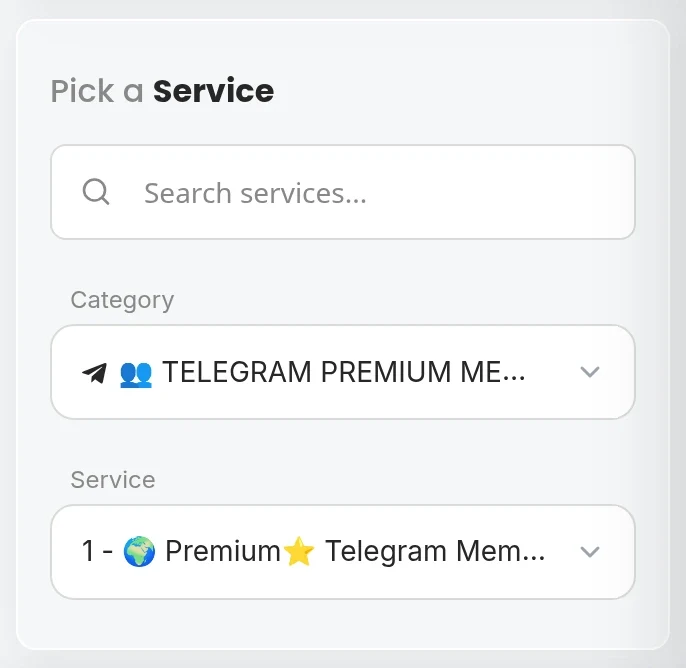
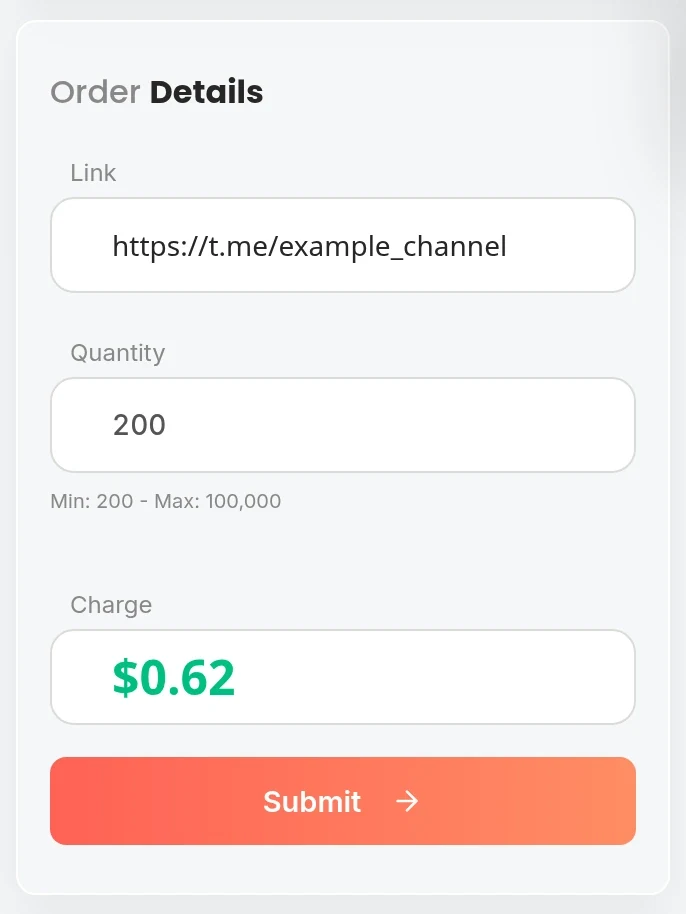
The information you need to place any Telegram order is simple: your channel or post URL (or invite link), the quantity, and your panel balance. That's it. No passwords, no admin access, no additional channel settings.
Using a Telegram SMM panel as a reseller
If you're offering Telegram growth services to clients, the panel API is essential beyond a handful of active accounts. Manual ordering doesn't scale.
The standard SMM panel API (which most panels including OneSMM use) supports:
add— place a new order (service ID, link, quantity)status— check a specific order's statusservices— fetch the full service catalog with IDs and pricingbalance— check your account balance
For Telegram services specifically, reseller workflow:
- Fetch the service catalog — identify the service IDs for each Telegram service and tier you offer
- Map those IDs to your own pricing table — mark up appropriately for your clients
- When a client places an order with you, place the corresponding order via API using your panel credentials
- Poll the order status endpoint until the order completes, then update your client's order status
- Log order IDs against client records — you need these for refill requests during warranty periods
For more detail on the reseller API workflow and how to structure your pricing, see our guide on Telegram group members reseller panel setup.
How to evaluate a Telegram SMM panel
When comparing Telegram SMM panels, these signals matter most:
- Service catalog depth — does it carry all the Telegram service types you need, or just members?
- Refill warranty terms — what's the warranty period on non-drop services? Is it auto-refill or manual request?
- API documentation — is the API documented clearly enough to integrate without support tickets?
- Support responsiveness — for a new panel relationship, test support before placing large orders. Submit a small question and see how long the response takes.
- Minimum order sizes — panels with 100-unit minimums allow proper testing. Panels with 5,000+ minimums make it expensive to evaluate quality.
- Payment methods — crypto, cards, and balance top-up all have different implications for your workflow. Check what's available before registering.
The full checklist for evaluating any SMM panel is covered in our guide on Telegram channel members panel selection.
Frequently asked questions
What Telegram services give the best ROI on an SMM panel?
For channel growth: members for initial social proof, post views for content credibility. The combination of a baseline member count plus consistent post views creates the strongest impression for organic visitors. Members alone without views, or views alone without members, each create different credibility gaps. Use them together for the most convincing channel presence.
How long does Telegram member delivery take on a panel?
Economy tiers typically start within minutes and complete within hours for orders under 10,000. Standard tiers may take a few hours to start. Gradual tiers are by design spread over 24–72 hours. Check the delivery speed specification in the service listing before ordering — it's always stated for reputable panels.
Can I order Telegram services for multiple channels in one account?
Yes. Your panel account can be used to place orders for any channel. Each order is separate and requires the specific channel link or URL for that order. There's no restriction on how many different channels you manage orders for from one panel account. This is exactly why resellers use a single panel account to manage orders for multiple clients.
Is there a difference between a Telegram SMM panel and a general SMM panel with Telegram services?
In practice, most quality panels are general SMM panels that cover multiple platforms including Telegram. A panel that specialises exclusively in Telegram may have deeper Telegram-specific offerings (reactions, auto-views, poll votes, comments) but fewer options for other platforms. Unless you only need Telegram services, a general panel with strong Telegram coverage is usually the better choice for flexibility.
Full Telegram service catalog on OneSMM
OneSMM covers channel members, group members, post views, reactions, auto-views, and poll votes for Telegram. Multiple tiers available, 30-day refill on non-drop services. Reseller API compatible with standard SMM panel protocol.