Telegram Channel Members Panel: A Practical Buyer’s Guide
A Telegram channel members panel is a specialized section of an SMM marketplace focused on delivering subscribers to broadcast-only Telegram channels, where the publicly visible subscriber count serves as the primary credibility metric for new visitors. Channel member services require your channel to be public with a username set, and most panels offer three to five quality tiers ranging from $1.45/1K (economy, no refill) to $3.50/1K (premium, 90-day auto-refill with gradual delivery). The most common ordering mistake is selecting a group-only service for a channel — always verify the service listing explicitly says "channel subscribers" before placing an order.
A Telegram channel members panel is the tool you use to add subscribers to a broadcast channel — but not all panel services work the same way, and ordering the wrong service type for your specific channel setup is the most common mistake buyers make. If you are new to SMM panels in general, our Telegram SMM panel guide covers the broader landscape before you dive into channel-specific details.
Telegram channels are one-way broadcast: subscribers receive your posts but cannot send messages directly. With Telegram now serving over 1 billion monthly active users and around 2.5 million new users joining daily, the subscriber count visible to every channel visitor is an increasingly important trust signal — a channel with 500 subscribers and one with 50,000 send completely different first impressions. That gap is why people use SMM panels to accelerate early channel growth or reinforce credibility for specific campaigns.
The key distinction: not every "Telegram members" service on a panel supports channels. Some services are group-only. Before placing any order, confirm the service listing explicitly says "channel subscribers" or "channel members" — group-only delivery to a channel link will fail or be misrouted.
How channel member delivery works technically
Understanding the delivery mechanism helps you avoid the most common ordering errors.
Telegram channels can accept new subscribers in two ways:
- Username-based — if your channel has a public username (
@channelname), subscribers can be added by directing accounts to your channel link. Telegram channels can have an unlimited number of subscribers, which is why this is the primary method most panel services use. - Invite link-based — if your channel has a specific invite link, some services use that link format instead. Invite links are more commonly associated with group delivery.
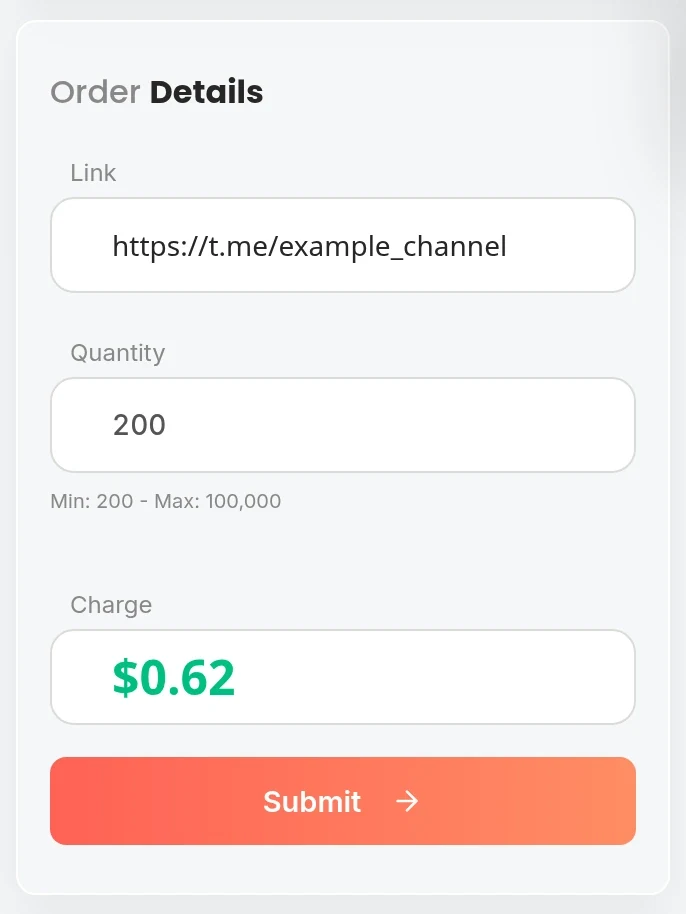
Most channel member services accept your channel’s public username (@channelname) or its public URL (t.me/channelname). If you paste a private invite link instead of a public username, many services will fail or deliver incorrectly. For channels where count stability is critical, pairing your order with an auto-refill service eliminates the need to manually monitor and reorder after Telegram’s anti-spam sweeps.
Requirements before placing an order:
- Your channel must be public. As outlined in the Telegram channels FAQ, private channels cannot receive external subscribers from panel services. Go to Channel Settings and set the channel type to Public. You can revert to private after delivery if needed.
- Your channel must have a username set. If your channel has no username, assign one in Channel Settings before ordering.
- Remove join request approval if enabled. Some channels require admin approval for new joins. Approval requirements block panel-delivered subscribers from completing the join process.
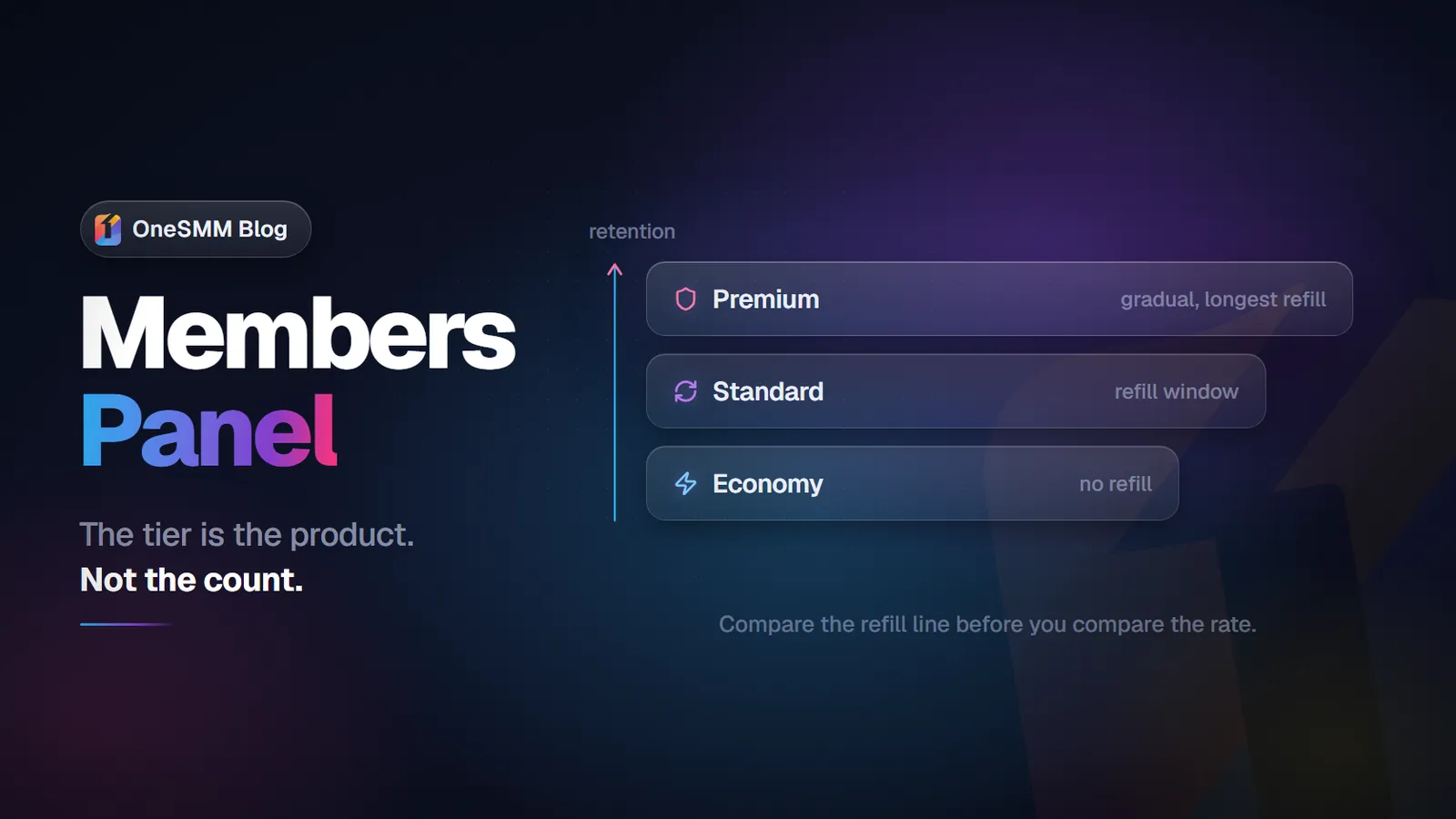
Service tiers on a channel members panel
Most panels carry multiple service tiers for channel members. Understanding what each tier means helps you match the order to your goal:
| Tier | Speed | Account Quality | Refill | Typical Rate /1K | Best For |
|---|---|---|---|---|---|
| Economy / Fast | Minutes–hours | Standard | No | $1.45–$1.80 | New channels, test orders, campaigns |
| Drop-safe / 30d refill | Hours–1 day | Standard–good | 30-day auto | $1.75–$2.20 | Established channels, reseller clients |
| Gradual / drip-feed | 7–30 days | Good | Sometimes | $2.00–$2.50 | Analytics-sensitive channels |
| Premium HQ | 1–3 days | High | Yes | $3.00–$4.00 | High-profile channels, long-term growth |
The tier you choose depends on your channel’s current size and what outcome matters most. For a new channel with under 500 subscribers, fast economy delivery gets you past the "empty channel" threshold quickly. For a channel with 20,000 subscribers, a spike of 5,000 new joins in one hour looks inconsistent in any analytics view — gradual delivery is the better choice. If you are buying at scale, the wholesale Telegram members guide breaks down how volume pricing affects true cost per retained member.
How to evaluate a Telegram channel members panel before ordering
Not all panels are equal. Before committing to a provider, check these five points:
- Service listing clarity. Does the listing explicitly say "channel subscribers" or "channel members"? If it says only "Telegram members" with no qualifier, confirm with support whether it supports broadcast channels, not just groups.
- Refill terms in writing. If a service claims drop protection, the refill window, conditions, and trigger threshold should be in the service description — not just in FAQ copy. "Refill available" without specifics is a claim, not a commitment.
- Minimum order size. Most panel services allow testing at 100–500 members. Any provider requiring a minimum order of 5,000+ with no smaller test option is forcing you to bet on an untested service.
- Order status visibility. You should be able to see whether an order is pending, processing, partially completed, or cancelled in real time. Panels that only show "Completed" without granular status are harder to manage when something goes wrong.
- Support responsiveness. Telegram orders can fail for a number of reasons: wrong link format, channel privacy setting active, bot detection on fast delivery. A panel with responsive support resolves these quickly. A panel with slow support means a failed order sits idle for days.
Common ordering mistakes for channel members
- Submitting a private channel link. If your channel is not public, delivery will fail. Verify public status before ordering.
- Submitting an invite link to a service that expects a username. Check the service description for which format is accepted.
- Ordering a group-member service for a channel. Group delivery and channel delivery use different targeting mechanisms. A group member service may accept your link without error but deliver nothing or deliver to the wrong destination. If you need group members specifically, the Telegram group members reseller guide explains those mechanics in detail.
- Ordering too fast for an established channel. A channel growing at 200 subscribers per day seeing 10,000 new subscribers overnight will look inconsistent in analytics. Use gradual delivery for established channels.
- Not checking the count at multiple checkpoints. Completing an order and walking away without verifying retention gives you no data about service quality. Check at delivery, 48 hours, and 7 days — three data points tell you whether to scale or switch.
What to do after your channel member order completes
- Confirm the count at completion. Open your channel info and note the subscriber count. It should be within 3–5% of your ordered quantity. If significantly lower, the order completed partially — contact support before reordering.
- Check at 48 hours. The first Telegram anti-spam filter pass typically happens within 48 hours. Economy services lose 8–15% here. Drop-protected services should lose less than 5%.
- Check at 7 days. Economy services without refill typically stabilize at 75–85% retention by day 7. Drop-protected services with auto-refill should be at or near the delivered amount.
- Submit a refill request if applicable. If you purchased a drop-protected service and count is below the delivered amount within the refill window, contact support with your order ID and current vs delivered count. A panel that processes refills quickly is worth continuing to use.
Can I buy channel members for a private Telegram channel?
No. SMM panel delivery requires the channel to be publicly accessible. The delivery mechanism works by directing accounts to your channel via its public URL or username. If the channel is private, incoming accounts hit a join-requires-approval gate and cannot join. Make the channel public for the duration of the order, then switch back to private if needed — existing subscribers remain after the privacy setting changes.
Do purchased channel members see my posts?
Panel-delivered subscribers appear in your channel’s subscriber count. However, most are not active users who will open your posts — they contribute to the subscriber count but do not meaningfully increase post view counts. If you need higher per-post view numbers, Telegram post views are a separate service type. Order them independently.
How long does a channel member order take to start?
Fast-delivery services typically start within seconds to minutes of order placement and complete within hours. Gradual delivery spreads members across the number of days specified in the service listing. If a fast-delivery order has not started within 2–3 hours, check the channel link format — most delayed orders are caused by a wrong or inaccessible channel URL.
Can I order channel members for multiple channels at once?
Standard panel interfaces process one channel per order. To cover multiple channels, place separate orders for each. Panels with mass order or API features allow you to queue multiple orders sequentially without manual re-entry. For resellers handling multiple clients simultaneously, API-based ordering is significantly more efficient than manual placement.
Telegram channel members on OneSMM
OneSMM lists 120+ Telegram services including multiple channel subscriber tiers — economy fast delivery, drop-protected 30-day refill, and gradual growth options. Low minimums for testing. No admin rights required. Instant order start on fast-delivery services.