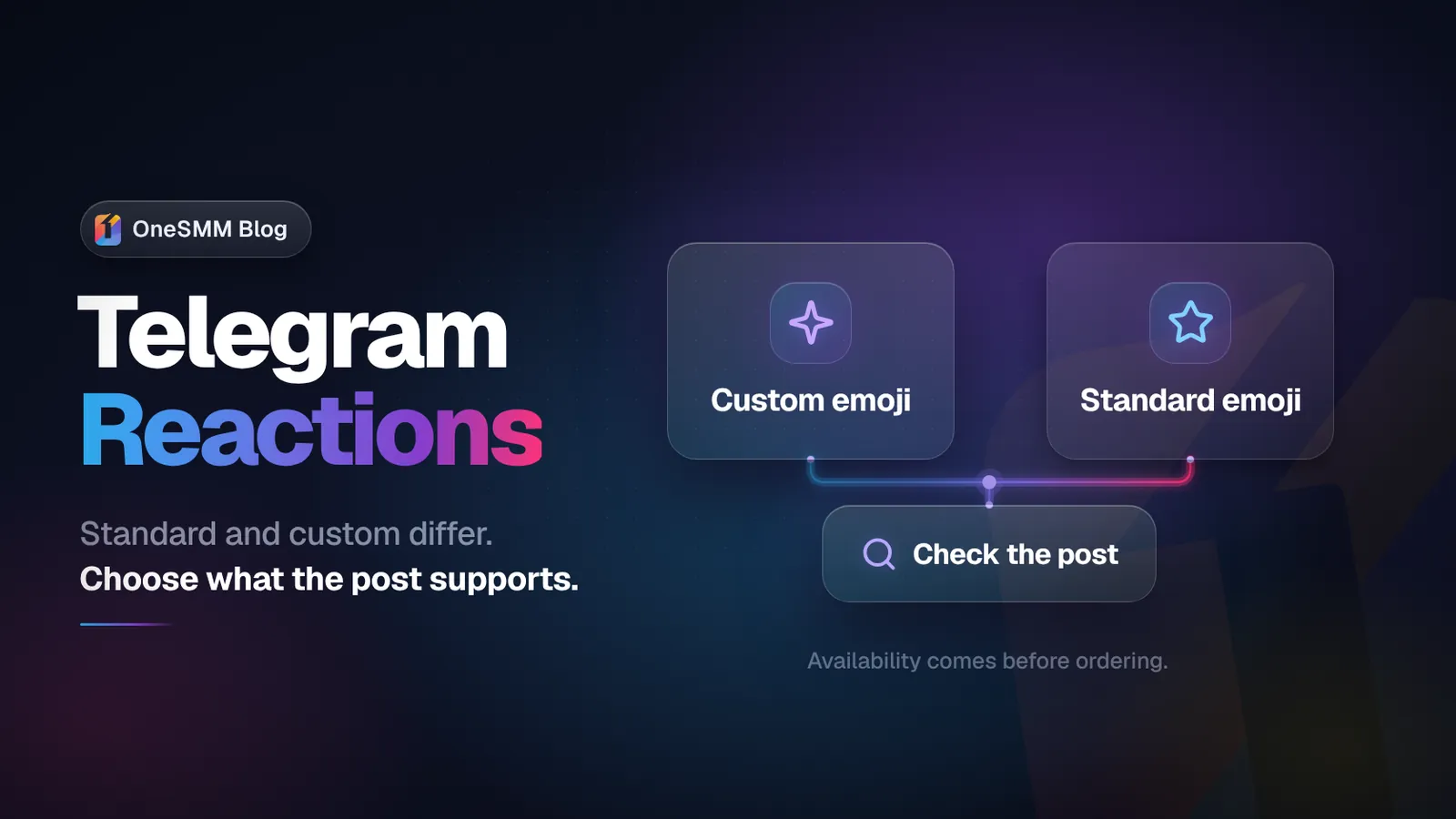
Telegram Premium Reactions vs Standard Reactions: What Changes
A standard Telegram reaction uses one of Telegram's regular emoji reactions, such as a heart or thumbs-up. A Premium reaction usually refers to a custom emoji reaction selected through Telegram Premium. The visible difference is the reaction type, not a special “Premium” counter on the post.
Before choosing a reaction service, open the target post and check which reactions the chat allows. A service cannot add an emoji that the group or channel has disabled, and a listing that says “Premium” should identify the exact custom emoji or supported set rather than leaving you to guess.
Standard and Premium reactions are different reaction types
Telegram's API separates a regular emoji reaction from a custom emoji reaction. A regular reaction is identified by its emoji character. A custom reaction is identified by the custom emoji document behind it. Telegram also has a separate paid reaction type, which is not the same product as either of these.
| Check | Standard reaction | Premium or custom emoji reaction |
|---|---|---|
| What appears | A regular Telegram reaction emoji that the chat permits. | A custom emoji reaction available under Telegram's current account and chat rules. |
| How Telegram identifies it | The reaction uses the emoji character. | The reaction uses a custom emoji document ID. |
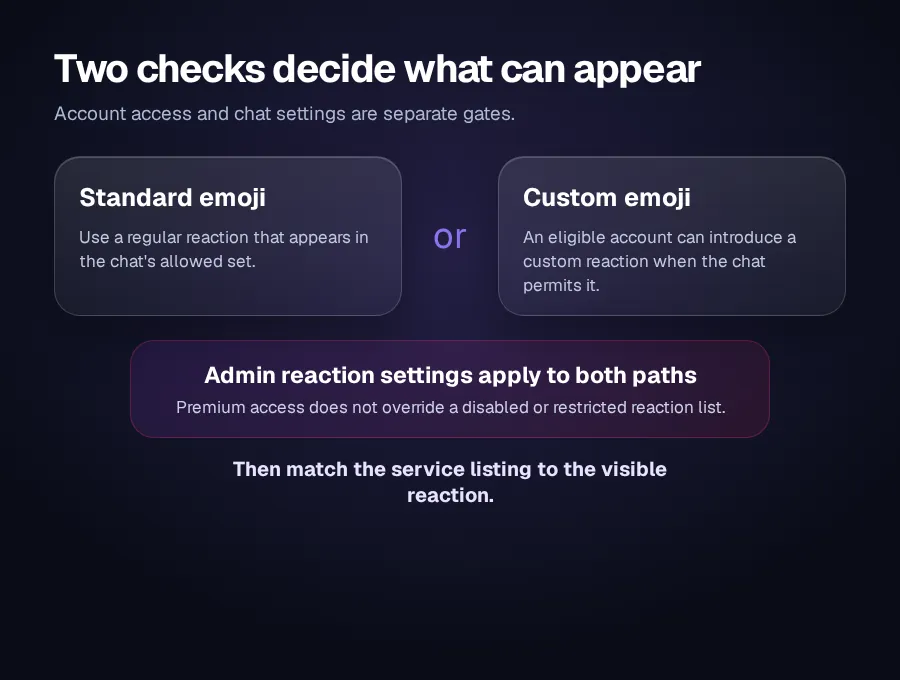
| Who can introduce it | Any eligible user can add an allowed standard reaction. | A Premium user can select from custom emoji reactions where Telegram and the chat permit them. |
| What a free user may do | Add an allowed regular reaction normally. | Telegram's Premium FAQ says a free user can add the same Premium reaction after a Premium subscriber has already added it to that message. |
| Admin control | Admins can enable reactions and choose which standard emoji are available. | Custom reactions are also subject to Telegram's current group or channel controls and eligibility. |
| What it does not prove | Neither type proves organic interest, improves view count, guarantees reach, or replaces comments and poll votes. | |
The post's reaction menu is the first check
In private chats, reactions are available by default. In groups and channels, Telegram gives admins control over whether reactions are enabled and which emoji members can use. Telegram's published admin path is the chat's info page, then Edit and Reactions; the wording can vary by app version.
That makes the target post the practical source of truth. Open its reaction picker before ordering. If the intended emoji is absent, do not assume the service can bypass the setting. Ask the admin to review the allowed-reaction list or choose a reaction that is already available.
Premium does not mean a separate engagement metric
A custom emoji can look more distinctive than a regular heart or thumbs-up, but Telegram still records it as a reaction on the message. It does not create a second Premium reaction counter, add a view, or turn the response into a comment.
This matters when you read service names. “Premium reactions,” “custom emoji reactions,” “positive reactions,” and “mixed reactions” can describe different outputs. A polished label is not enough. The selected listing should tell you what appears under the post.
A reaction can become available after someone introduces it
Telegram's Premium FAQ describes a useful exception: when a Premium subscriber adds a Premium reaction to a message, non-Premium friends may add the same reaction to that message. That does not give the free account unrestricted access to the full custom emoji picker. It lets the user increase a reaction type that is already present.
For a buyer, the distinction is simple. “Can introduce this custom reaction” and “can add to this existing custom reaction” are different capabilities. If a service depends on a custom emoji already appearing on the target post, that prerequisite should be stated clearly.
How to read a Telegram reaction service listing
- Reaction type: look for standard emoji, a named emoji, a mixed set, or a custom emoji. Do not infer the output from “Premium” alone.
- Target format: a reaction belongs to a message, so the listing should state whether it needs the exact public post link and whether private destinations are supported.
- Prerequisite: confirm whether the emoji must already appear on the post or whether eligible accounts will introduce it.
- Distribution: for a mixed service, check whether you choose the set or the provider distributes reactions automatically.
- Quantity and terms: use the minimum, maximum, start notes, and replacement conditions attached to that exact row.
The general Telegram reactions buyer guide covers post links, mixed sets, and pre-order checks. Use the narrower comparison here when the confusing part is standard versus custom emoji.
Choose the type that fits the message
Use a standard reaction when the post needs a familiar response that already appears in the chat's allowed list. A clear thumbs-up, heart, or another regular emoji is easier to interpret and less dependent on account-specific access.
Use a custom emoji reaction only when that exact visual response matters and the post can accept it. This may suit a branded community, a group that already uses a custom pack, or a message where a regular emoji would communicate the wrong meaning. Check the full-size emoji first; a tiny or ambiguous design can be hard to read beneath a busy post.
Do not choose custom reactions merely because “Premium” sounds higher quality. The account capability and the visual output are specific. They do not promise that the reaction came from an interested reader.
Run a small test without mixing variables
- Copy the exact post link and record the current reaction counts.
- Open the picker and note the emoji that are currently allowed.
- Save the exact service row, including the promised reaction type and prerequisites.
- Test one reaction type at a time. Do not run a standard mix and a custom set on the same post during the same check.
- After delivery, compare the visible emoji and count with the listing. A completed order label is not a substitute for the public post result.
- If the output differs, contact support with the order ID, post link, selected row, and before-and-after observations. Never share a Telegram password or login code.