Telegram Post Shares: Meaning, Links, and Verification
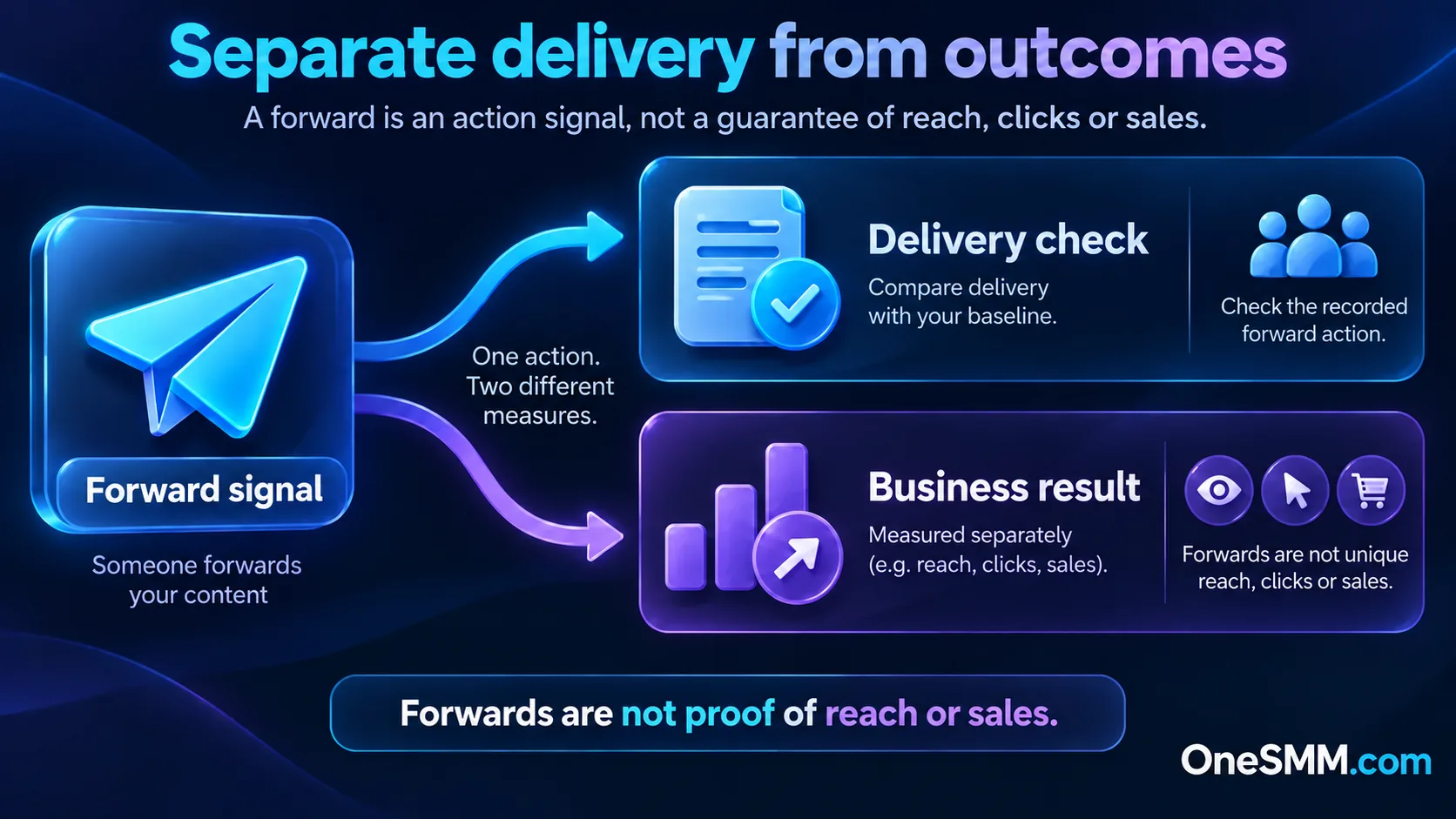
A Telegram post share is a forward action, not a guarantee that a new person read or acted on the post. Telegram tracks forwards separately from views in its message and channel-statistics systems. That makes the share signal useful, but narrower than reach: it does not by itself prove unique recipients, link clicks, channel joins, replies, or sales.[1][2]
If you are evaluating a post-share service, start with the exact public post, confirm that forwarding is allowed, record the starting counters, and judge the result on the same post. Keep the business outcome separate from the delivery counter.
Video summary
What Telegram counts as a share or forward
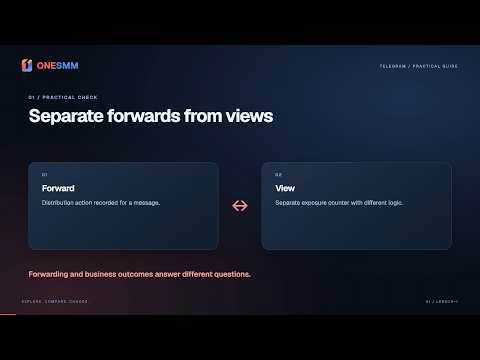
Telegram's API describes a message with separate fields for views and forwards.[1] Its channel-statistics schema also separates views per post, shares per post, reactions per post, and recent-post interactions.[2] In practical terms, forwarding a channel post to another chat or channel contributes to the forward/share signal; simply opening the post belongs to a different measurement.
Telegram uses both “share” and “forward” language across its interfaces and documentation. The label can vary by client or analytics screen, but the operational distinction is the same: a view is not a forward, and a forward is not a conversion.
How the share control works
Each channel post can show a share control that opens Telegram's quick-share flow. A user can choose a destination such as a private chat, group, channel, or Saved Messages. Telegram also exposes a direct post link in the sharing flow for public channel posts.[3]
Websites and apps can use Telegram's official sharing URL to let a visitor choose where to send a link and optional text.[4] That is a different route from forwarding an existing channel message, so do not assume every shared website link becomes a forward of the original Telegram post.
Read the counter without overclaiming it
| Signal | What it can tell you | What it does not prove |
|---|---|---|
| Forward/share count | The message was forwarded according to Telegram's counter or analytics | Unique people, attention, clicks, joins, or sales |
| View count | The post accumulated views under Telegram's view logic | That viewers came from forwards or read the full post |
| Reactions | Accounts used reaction controls on the post | Positive intent, purchase intent, or audience fit |
| Channel joins | The channel gained members during a period | Which single share caused each join without separate attribution |
| Tracked link results | Your analytics recorded configured clicks or downstream events | Every Telegram recipient or every offline outcome |
A high forward count can still be operationally useful. It shows distribution activity around the post. Just avoid turning that one signal into a claim about verified people or revenue.
Checks before you buy Telegram post shares
- Use one eligible post. Copy the direct channel-post link, not the channel homepage, invite link, discussion reply, or a different repost.
- Confirm access. Open the link outside the account that published it. A provider cannot work with a destination it cannot reach.
- Check forwarding rules. Telegram content protection can disable forwarding and limit saving media from posts.[5] Do not order a forward-based task while the target blocks that action.
- Read the live service description. Link format, limits, speed and other conditions depend on the selected listing. Do not carry assumptions from another service.
- Save a baseline. Record the target URL, visible counters and time before ordering so you can compare the same post later.
Never give a provider your Telegram password, login code, two-step verification password, QR approval, or session file. A normal link-based post task should not require access to your account.
Choose the correct post link
For a public channel post, open the post and use its copy-link action. Test the copied URL in a logged-out browser or another account. It should open the intended message, not stop at the channel homepage.
Private or restricted posts require membership. An invite link can grant access, but it does not identify one post. Do not make a private community public only to satisfy a service. Use a suitable listing or keep the task private.
If the post was copied into another channel, decide which message owns the task. The original and the repost have different links and can have different counters.
How to verify delivery
Return to the exact link saved before the order. Compare the forward/share signal and inspect the post itself. A dashboard status is not a substitute for checking the public result.
Use a simple record: target URL, starting signal, observed signal after completion, order state, and any mismatch. If the counter does not move as expected, do not submit duplicate orders immediately. First confirm that the target was accessible, forwarding was enabled, and the link matched the listing's required format.
Keep outcome measurement in a second line. Compare post views, tracked-link clicks, channel joins and meaningful replies over a defined period. Those results can help you decide whether the distribution reached the right audience, but they are not promised by a share delivery count.
Where paid shares fit in a growth plan
Paid distribution can support a post that already has a clear message and a useful destination. It cannot fix a weak hook, a confusing offer, or a channel that gives new visitors no reason to stay.
Use the Telegram post views guide to separate exposure from forwarding, and check the Telegram channel analytics guide before judging a promotion. When you are ready to compare current options, open the OneSMM service catalog and search the live Telegram categories. Availability and conditions can change, so the selected listing is the source for current order requirements.
Sources
[1] Telegram API: message views and forward counter
[2] Telegram API: channel statistics and shares per post
[3] Telegram Channels: share controls and direct post links
[4] Telegram Sharing Button documentation
[5] Telegram API: content protection and disabled forwarding