Telegram Channel vs Group: Which Format Fits Your Audience?
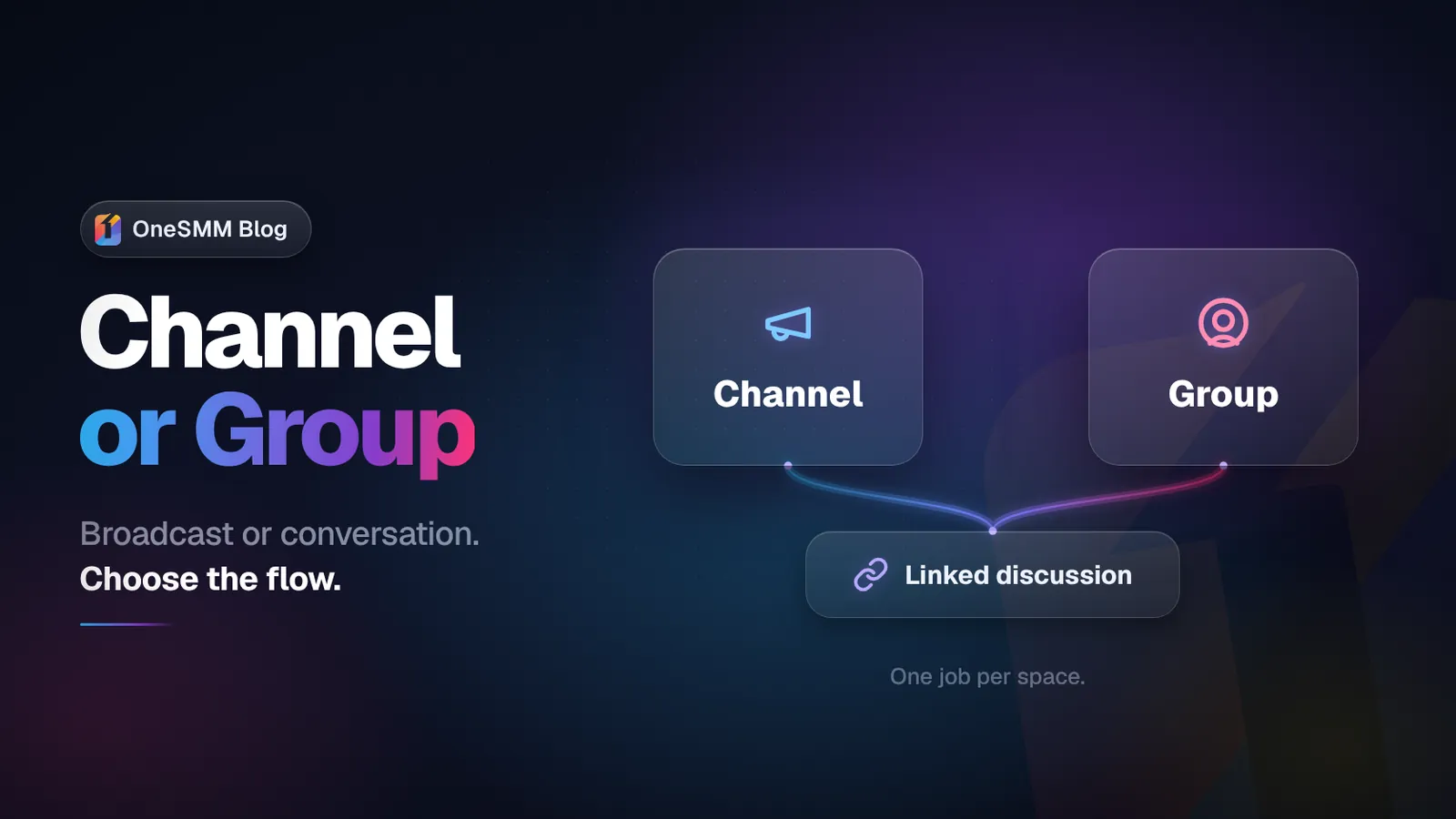
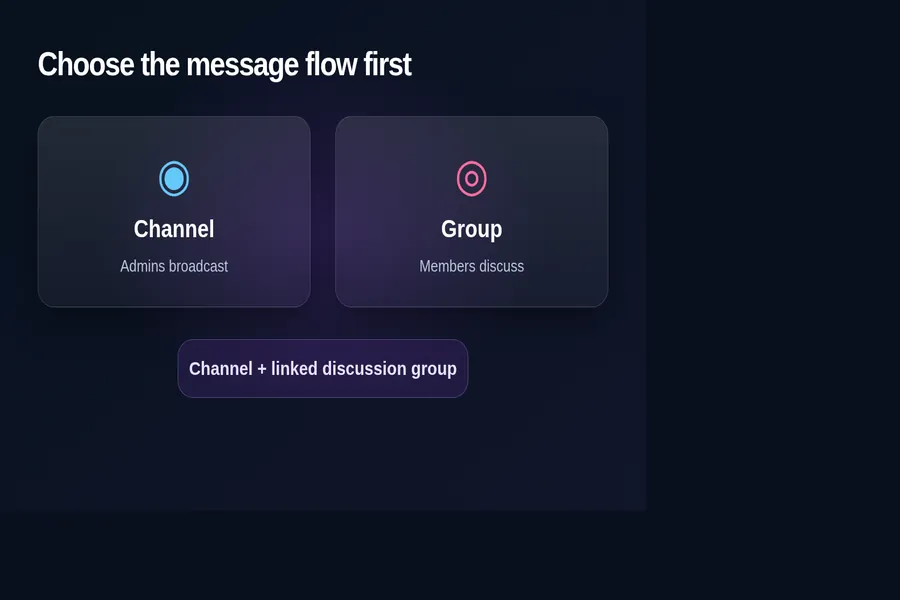
Choose a Telegram channel when you need a broadcast feed that a small admin team controls. Choose a Telegram group when members need to talk to each other. If you need both, use a channel for the official feed and link a discussion group for comments and community conversation.
The decision is less about audience size than message flow. A channel keeps announcements easy to follow. A group makes participation possible, but it also creates moderation work and a busier reading experience.
Telegram channel vs group at a glance
| Decision | Channel | Group |
|---|---|---|
| Who normally posts? | Admins publish to the audience. | Members can participate within the permissions set by admins. |
| Best fit | News, updates, releases, lessons, offers, and other broadcast content. | Support, peer discussion, feedback, classes, clubs, and community conversation. |
| Reading experience | A clean feed of official posts. | A shared conversation that can move quickly. |
| Feedback | Reactions, polls, and comments through a linked discussion group. | Replies and member messages happen inside the group. |
| Moderation load | Usually lower because publishing is restricted. | Usually higher because members can post and reply. |
| Discovery and links | A public channel can use a username, public link, and web preview. | A public group can also use a username and link; private access uses invite links. |
| Measurement focus | Post views, forwards, reactions, joins, and content performance. | Participation quality, active discussions, moderation health, and member retention. |
Telegram's own documentation describes channels as a broadcast tool and supergroups as a community tool. It also says channels can have unlimited subscribers, while supergroups can support up to 200,000 members. Those limits matter at scale, but the more useful first question is still: who should be able to speak?
Choose a channel for a controlled publishing feed
A channel is the better default when subscribers mainly come to receive information. Only admins normally publish, so an announcement does not disappear under a stream of member replies. Each channel post has its own view counter, and public channel posts can have shareable links.
This format suits a product update feed, news publication, creator broadcast, course announcement stream, or deal channel. It is also easier to hand to a content team because admins can manage the schedule without granting every subscriber permission to post.
A channel does not have to be silent. Admins can enable reactions, publish polls, and connect a discussion group so each post receives a comment button. The channel remains the official source; the linked group carries the conversation.
Choose a group for member-to-member conversation
A group is designed for discussion. Members can ask questions, reply to one another, share material, and build relationships inside the same space, subject to the permissions and moderation rules that admins set.
That makes groups useful for customer communities, classes, local clubs, peer support, project coordination, and membership programs where conversation is part of the product. A group can also become a forum, which separates busy discussions into topics.
The tradeoff is operational. Someone must define posting permissions, handle spam, respond to reports, and decide what belongs in the group. If the main value is a carefully ordered feed, a group can create unnecessary noise.
Use a channel and linked group when you need both
You do not have to force one chat to do two jobs. Telegram allows a group to be associated with a channel as its discussion group. Subscribers see a comment button under channel posts; those comments appear in a thread and also in the linked group.
This hybrid structure works well when the channel publishes the official version of each update while the group handles questions and debate. It also gives moderators a clear boundary: edit and schedule the canonical post in the channel, then moderate the response in the group.
Set the roles before you invite people
- Name the primary job. Decide whether the project is mainly publishing or conversation.
- Choose the main format. Start with a channel for broadcasting or a group for community participation.
- Add the second format only when it has a job. A linked discussion group should solve a real need for comments, support, or peer conversation.
- Write posting and moderation rules. Explain what members can post, where support questions belong, and what admins remove.
- Test the member journey. Open the public link or invite link from an account that is not an admin. Check the join path, pinned message, comments, and permissions.
Public or private is a separate decision
Both channels and groups can use public usernames or private invite links. Public channels can be viewed on the web without a Telegram account, and Telegram says their content can be indexed by search engines. Private spaces require an invitation or approval path.
Choose public access when discoverability and easy sharing matter. Choose private access when participation needs screening, the material is restricted, or membership is part of a controlled program. Do not treat a private link as secret after it has been shared broadly; revoke or replace invite links when access conditions change.
How the choice affects growth work
Channels and groups produce different signals. For a channel, post reach, forwards, reactions, subscriber changes, and the consistency of views across recent posts are useful. For a group, raw member count says less about community health than the quality and continuity of real discussion.
Paid growth support should follow the format rather than replace it. Channel services may help with visible reach or social-proof balance, but they do not make weak posts useful. Group-member growth does not create conversation by itself, and a larger group can increase moderation pressure.
Before spending, check whether the destination, permissions, content cadence, and measurement plan are ready. The free Telegram channel audit can help you review a public channel's visible metrics. For a group, run a manual moderation and participation review instead of applying a channel formula blindly.
A simple decision rule
- If people join mainly to receive, start with a channel.
- If people join mainly to participate, start with a group.
- If they need an official feed and a place to discuss it, use a channel with a linked discussion group.
Sources: Telegram's channel and group API documentation, Telegram Channels FAQ, and the official Telegram Channels tour.